
Degree Verification Portal
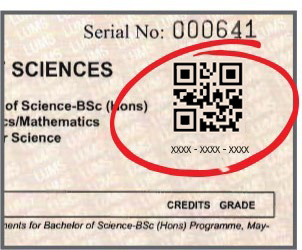
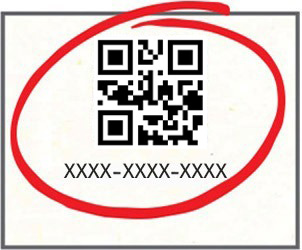


1Enter the Security Key using any of the following methods:
- Scan the QR code printed on the degree or transcript if you have a scanner attached to your system
- Scan the QR code printed on the degree or transcript using your mobile device, copy the security key and paste it in the verification field
- Manually type the security key printed on the degree or transcript below the QR code in the verification field
2Click ‘Verify’
Important:
In some cases, you may be asked to manually enter the security key even if you scanned the QR code.
When this happens, please type the security key printed below the QR code — do not re-scan the QR code.